
Device Control Panel (Camera, Temperatures & Motion)
Opening a printer from the fleet list reveals the Two-Column Desktop Dashboard, optimized for 1100px+ displays (and responsive single-column on mobile).
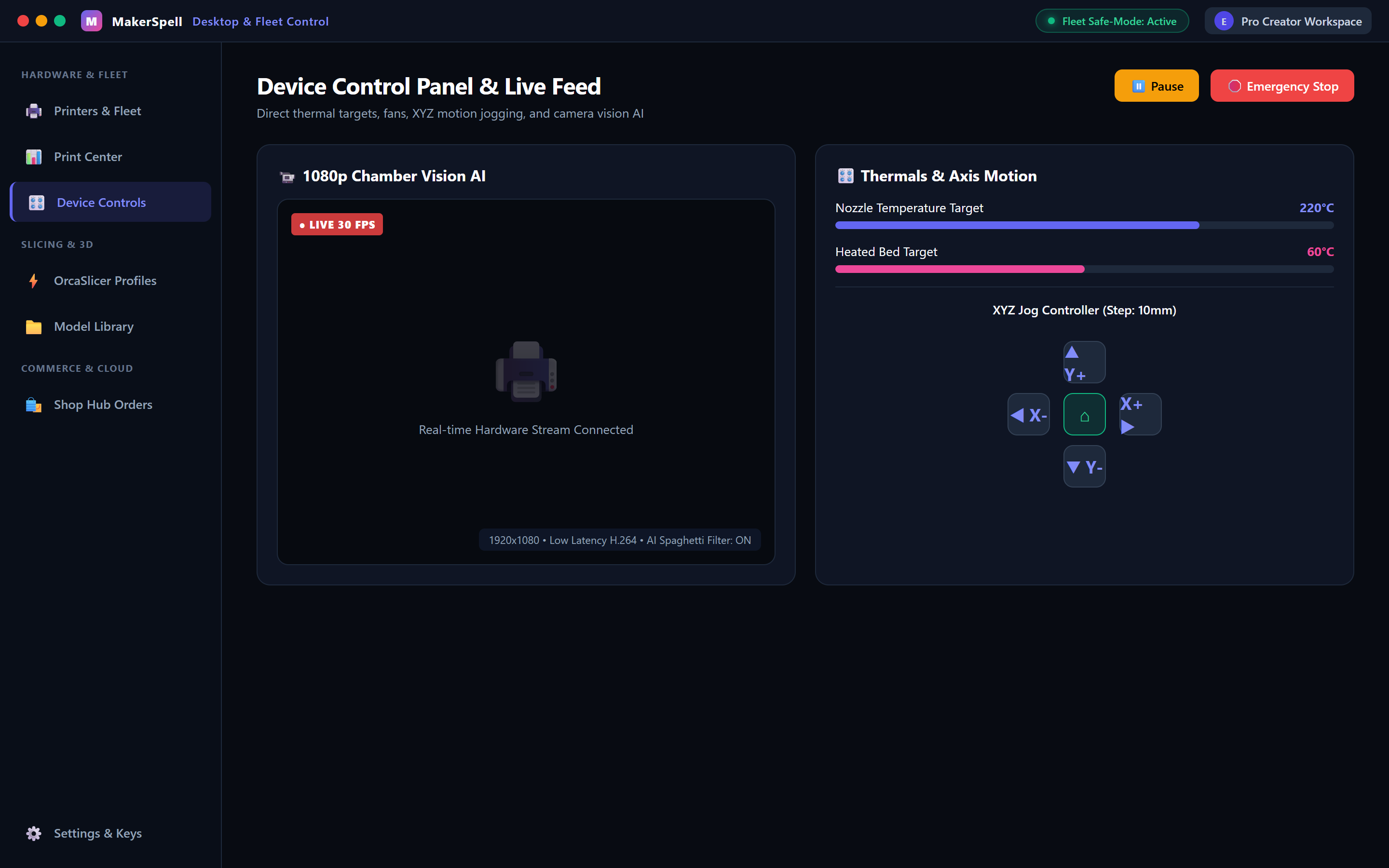
1. Left Column: Telemetry & Visual Monitoring
- Live Camera Stream:
Low-latency video preview from onboard cameras (CrealityOS MJPEG / WebRTC / Moonraker). Inspect the critical first layer without walking across your workshop. - Active Job Card:
Displays current layer (120 / 450), remaining print time, progress bar, and model thumbnail. - Filament Slot Matrix:
Visual palette indicating every filament bay in your CFS or AMS unit, including color swatches and material types.
2. Right Column: Manual Overrides & Hardware Commands
- Thermal Controls:
- Hotend: Quick presets (PLA 200°C, PETG 240°C, ABS 260°C) or custom target input.
- Heated Bed: Bed preheating and cool-down toggles.
- Chamber Light: On/off toggle for onboard LED bars.
- Cooling Fans:
- Fine-tune Model Fan, Auxiliary Fan, and Rear Exhaust Fan speeds (0–100%).
- XYZ Jog & Homing:
- Circular jog wheel for X/Y movements and vertical Z buttons.
- Step distance selectors:
0.1 mm,1 mm,10 mm, and100 mm. - Center Home All or axis-specific homing commands.
- Safety Lock: Motion controls are automatically disabled while printing to avoid toolhead collisions.
- Local Storage Browser:
- View stored G-code files on the printer eMMC/SD card, delete old prints, or start reprints.